Disclosure: This post contains affiliate links. If you purchase through our links, we may earn a small commission at no extra cost to you. Every product on this list is a real, well-reviewed Amazon item chosen for genuine productivity impact.
🛒 Quick Links — Shop All 5 Picks
- 🖱️ Logitech MX Master 3S — The best productivity mouse money can buy
- ⌨️ Keychron K2 V2 — Wireless mechanical keyboard for Mac and Windows
- 📦 Phomemo PM-241BT Shipping Label Printer — Inkless, wireless, and built for small business
- 💡 BenQ ScreenBar Monitor Light — Zero glare, zero desk clutter
- 🔌 Anker 10-in-1 USB-C Hub Monitor Stand — One cable runs your whole desk
A productive desk setup isn’t about having the most expensive gear — it’s about having the right gear. The stuff that removes friction, keeps things organized, and lets you actually focus on work instead of fighting your tools.
Whether you work from home, run a small business, or just want your setup to feel more intentional — these are the five things that make the biggest difference.
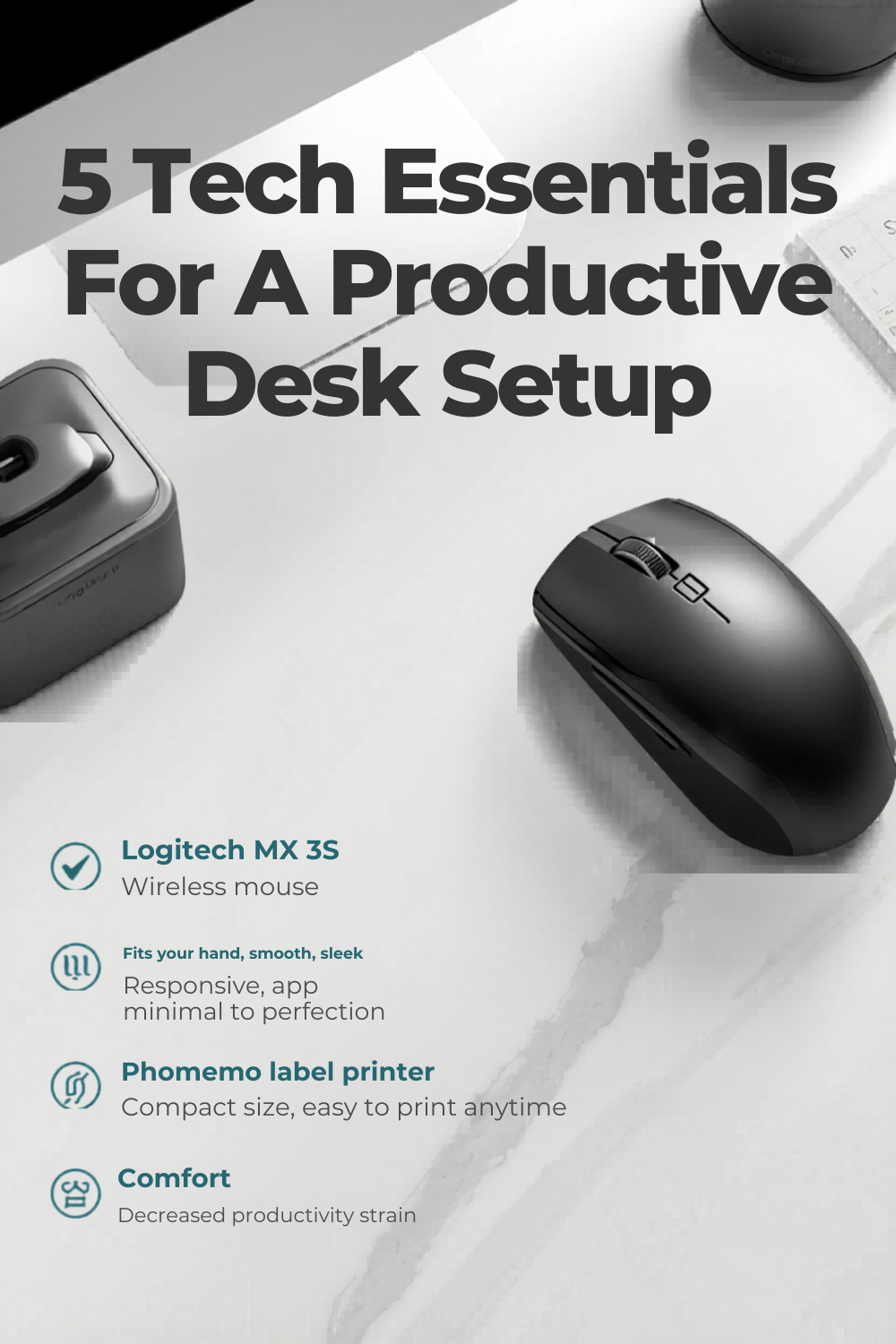
1. 🖱️ The Mouse That Changes How You Work
Logitech MX Master 3S | Shop on Amazon →
The problem it solves: A basic mouse works. The MX Master 3S makes working faster, quieter, and significantly more comfortable for the kind of person who spends real hours at a desk.
Why this one: The Logitech MX Master 3S has been called the best productivity mouse available by ZDNet, TechGearLab, Tom’s Guide, and essentially every major tech publication that’s tested it — and that reputation is well-earned. The 8,000 DPI Darkfield sensor tracks on virtually any surface, including glass, meaning you can use it without a mousepad on any desk material. Clicks are 90% quieter than standard mouse switches — a genuine quality-of-life change for anyone working in shared spaces, on video calls, or just late at night.
The standout feature for productivity is the MagSpeed electromagnetic scroll wheel, which switches automatically between precise ratchet scrolling and frictionless free-spinning mode at up to 1,000 lines per minute. Scroll slowly through a document one line at a time — or flick the wheel and fly through a 50-page spreadsheet in under a second. Once you’ve used it, the standard scroll wheel on any other mouse feels immediately inferior.
Seven programmable buttons (including a dedicated gesture button and a horizontal scroll thumb wheel) are fully customizable through Logitech’s Logi Options+ software, which also enables app-specific profiles — the mouse automatically adjusts its button behavior depending on whether you’re in Photoshop, Chrome, Final Cut, or Excel. Connects to up to three devices simultaneously via Bluetooth or the included 2.4GHz Logi Bolt USB receiver, switching between them with a physical button on the underside. Battery life is tested at 28–35 days on a full charge, with a 3-minute quick charge giving you enough power for a full workday.
✅ Best for: Designers, developers, writers, remote workers, anyone logging serious daily hours at a computer.
⚠️ Note: Right-handed only. Not designed for gaming — this is a precision productivity tool.
👉 See the Logitech MX Master 3S on Amazon
2. ⌨️ A Keyboard That Makes Typing Something You Actually Look Forward To
Keychron K2 V2 Mechanical Keyboard| Shop on Amazon →
The problem it solves: Membrane keyboards are fine until you’ve used a mechanical one — then going back feels like typing through a wet sponge.
Why this one: The Keychron K2 Version 2 is one of the most consistently recommended mechanical keyboards on Amazon, and the reason it keeps showing up on every “best keyboards under $100” list is simple: it gets everything right for the price. It’s a 75% layout — 84 keys that keep the function row, arrow keys, and navigation cluster while dropping only the numpad — giving you a noticeably smaller footprint on the desk without losing the keys you actually use every day.
Bluetooth 5.1 pairs to up to three devices simultaneously. A physical side toggle switches between Mac and Windows layout modes, and Keychron includes both Mac and Windows keycap sets in the box so the key legends match what the keyboard actually does. The 4,000 mAh battery is one of the largest in any wireless mechanical keyboard at this price — Keychron rates it at up to 72 hours of lit use, or 240 hours with the backlight off. Most users charge it once or twice a month.
Switch options include Red (smooth and linear, preferred for gaming and quiet environments), Brown (tactile bump with no click — the most popular pick for mixed work and typing), and Silent Red (the quietest option for shared office spaces). Each switch is rated for 50 million keystrokes per key. The RGB backlit version includes double-shot PBT keycaps that resist fading and surface shine far longer than the ABS keycaps found on cheaper boards.
✅ Best for: Remote workers, Mac and Windows multi-device users, anyone upgrading from a membrane keyboard for the first time.
⚠️ Note: The standard K2 V2 is not hot-swappable — if you want swappable switches at a similar price, consider the Keychron V1 instead.
👉 See the Keychron K2 V2 on Amazon
3. 📦 The Label Printer That Pays For Itself on Your First Order
Phomemo PM-241BT Shipping Label Printer| Shop on Amazon →
The problem it solves: Hand-writing addresses, running to a regular printer, wasting ink and full sheets of paper on a label that covers half of them — and doing this every time you ship something.
Why this one: If you ship anything — eBay sales, Etsy orders, Amazon FBA prep, Shopify packages, personal returns — the Phomemo PM-241BT is the thermal shipping label printer that earns its counter space immediately. It prints 4×6 inch shipping labels at up to 150mm per second (that’s 70+ labels per minute), uses no ink, no toner, and no ribbons — thermal printing burns the image directly onto the label paper, so the only consumable is the label roll itself.
Connectivity is genuinely flexible: Bluetooth for wireless printing from an iPhone or Android phone, and USB-C wired connection for batch printing from a Mac, Windows PC, Chromebook, or Linux machine. The Phomemo app handles label formatting directly from your phone, making it easy to print a single eBay or Etsy label in under 30 seconds from drop to done. Compatible with every major shipping and e-commerce platform out of the box: USPS, UPS, FedEx, DHL, Amazon, eBay, Shopify, Etsy, and more.
Print quality at 203 DPI produces crisp, scan-reliable barcodes — Phomemo claims 100% courier scan success, and reviewers across independent sites confirm that labels read cleanly on the first pass every time. The printer supports label widths from 1 to 4.6 inches, so it handles not just 4×6 shipping labels but also smaller product labels, barcode stickers, and thank-you card labels. A snap-on integrated label stand attaches to the back, keeping the roll in place and the whole setup in a compact single-footprint unit that doesn’t take over your desk.
The PM-241BT is available in black, white, and pink — the pink/white colorway has become one of the most recognizable desk accessories in small business setup photos. Setup takes about five minutes and the included quick-start guide makes it genuinely straightforward even if you’ve never used a label printer before.
✅ Best for: Online sellers, small business owners, eBay and Etsy sellers, anyone who ships more than a few packages a month.
⚠️ Note: Uses thermal label rolls (not included beyond the starter roll). Phomemo’s own labels work best; third-party compatible labels are also widely available on Amazon.
👉 See the Phomemo PM-241BT on Amazon
4. 💡 Better Lighting Without a Lamp Taking Up Desk Space
BenQ ScreenBar Monitor Light| Shop on Amazon →
The problem it solves: Overhead lighting creates glare on your monitor. A desk lamp takes up surface space and creates its own reflections. The ScreenBar sits on top of your monitor and does neither.
Why this one: The BenQ ScreenBar is the most recommended monitor light bar in 2026 across desk setup communities, tech publications, and Amazon reviews — and its design logic is immediately obvious once you see it. It clips to the top of virtually any flat-screen monitor via a weighted counterweight clip (no adhesive, no drilling, no tools), and angles its light downward onto your keyboard and desk surface only — not toward the screen. The result is bright, comfortable task lighting with zero monitor glare, no reflections, and no screen washout.
The light covers a color temperature range of 2700K to 6500K — from warm amber (ideal for relaxed evening work) to cool daylight (ideal for focused daytime tasks) — with 8 brightness levels. An auto-dimming sensor reads the ambient light level in your room and adjusts the ScreenBar’s brightness automatically to maintain a consistent, comfortable workspace. All controls are handled by a touch-sensitive dial mounted on the bar itself — no app required, no Bluetooth pairing, no software.
Power comes directly from your monitor’s USB port — no wall outlet needed, no extra cable on the desk. The bar sits on the monitor and one USB cable disappears behind it. This is the detail that separates the BenQ from cheaper competitors that require a separate power adapter. The ScreenBar is 45cm wide, accommodating most standard monitors from 24 to 32 inches. It works on both curved and flat displays.
✅ Best for: Remote workers, night-shift workers, anyone whose current desk lighting causes eye strain or glare on screen.
⚠️ Note: Requires a monitor with at least one available USB-A port on the back or side to power it.
👉 See the BenQ ScreenBar on Amazon
5. 🔌 One Cable. Your Entire Desk. Done.
Anker 10-in-1 USB-C Hub Monitor Stand | Shop on Amazon →
The problem it solves: Your laptop has two USB-C ports, your desk has six things that need to plug in, your monitor is too low, and you’ve run out of outlets.
Why this one: The Anker 10-in-1 USB-C Hub Monitor Stand is the desk accessory that does two important things at once — and does both well. It raises your monitor 3.5 inches (bringing it to a proper eye-level ergonomic position), and it replaces every USB adapter, dongle, and hub on your desk with a single cable that runs to your laptop.
The built-in hub includes a 4K@60Hz HDMI port, two USB-A 3.0 ports, two USB-C data ports, an SD card reader, a microSD card reader, a 3.5mm audio jack, and a 100W Power Delivery input — all accessible from the front and sides of the stand. That single USB-C cable to your laptop handles both power and data. Your monitor, keyboard, mouse, headphones, card reader, and charging all route through the stand. No hunting for the right dongle. No running out of ports.
The 100W PD input passes 85W through to your laptop, which is enough to charge a MacBook Pro or a Windows ultrabook at full speed under load. The stand is built from aerospace-grade aluminum, supports monitors up to 27 inches and 22 pounds, and measures 21.3 × 8.7 inches — wide enough for a single large display with room to spare. A built-in 3.3-foot cable runs neatly from the rear of the stand to your laptop port.
Works with any laptop with a full-function USB-C port supporting Power Delivery and DisplayPort Alt Mode — including MacBook Air and Pro (2020+), Dell XPS, HP Spectre, Lenovo ThinkPad, and most modern Chromebooks. Includes an 18-month Anker warranty.
✅ Best for: MacBook and USB-C laptop users, home office setups, anyone with too many adapters and a monitor sitting flat on the desk.
⚠️ Note: Supports one external display only. Not compatible with older USB-A-only laptops or devices without DisplayPort over USB-C.
👉 See the Anker 10-in-1 Monitor Stand Hub on Amazon
📋 All 5 Picks — Fast Reference
| Product | What It Solves | Best For |
|---|---|---|
| Logitech MX Master 3S | Slow, loud, imprecise mousing | Power users, creatives, remote work |
| Keychron K2 V2 | Mushy membrane keyboard feel | Mac/Windows typists, daily desk workers |
| Phomemo PM-241BT | Manual label printing for shipments | Online sellers, small business owners |
| BenQ ScreenBar | Glare, eye strain, lamp clutter | Anyone working long hours at a screen |
| Anker Monitor Stand Hub | Too many adapters, low monitor | USB-C laptop users, home offices |
🏗️ Build Your Setup — Where to Start
If you’re starting from scratch: The Keychron K2 and MX Master 3S together form the foundation of a productive desk. Everything else improves on top of those two.
If you run an online store or ship products: The Phomemo PM-241BT is the one that directly saves time and money every single week. Print a 4×6 shipping label in under 30 seconds from your phone. No ink, no wasted paper, no running to a shared printer.
If your desk feels cluttered and your monitor is too low: The Anker monitor stand hub is the single-cable desk transformation. Lift your screen, eliminate your adapters, and route everything through one compact platform.
If your eyes feel tired after long sessions: The BenQ ScreenBar is the upgrade most people describe as “immediately obvious” — better light, no glare, zero desk footprint. Plug it into your monitor’s USB port and it just works.
A productive desk setup isn’t built all at once. Pick the one item that solves your biggest current frustration and start there.
Already using one of these? Drop your thoughts in the comments — always curious what setups people are working with. 👇