By the Slatewave Team
FTC Affiliate Disclosure: Slatewave is reader-supported. Some links in this article are affiliate links, which means we may earn a small commission if you buy something through them — at no extra cost to you.
Quick Links: Our Top Picks
Short on time? Here’s the quick breakdown, we’ll break down the “why” further down the page.
| Category | Our Pick | Best For |
|---|---|---|
| 🏆 Premium Wood | Solid Wood Desk Shelf | A furniture-grade, modular shelf for a curated setup |
| 💰 Budget Wood | VIVO Wood & Steel Monitor Stand | A clean wood-look platform at an entry price |
| 🏆 Premium Metal (Storage) | HUANUO Mesh Metal Riser | Turning the space under your screen into storage |
| 💰 Budget Metal | HUANUO 3-Height Vented Steel Riser | Adjustable height and airflow for the least money |
Do You Actually Need a Desk Shelf or Monitor Riser?
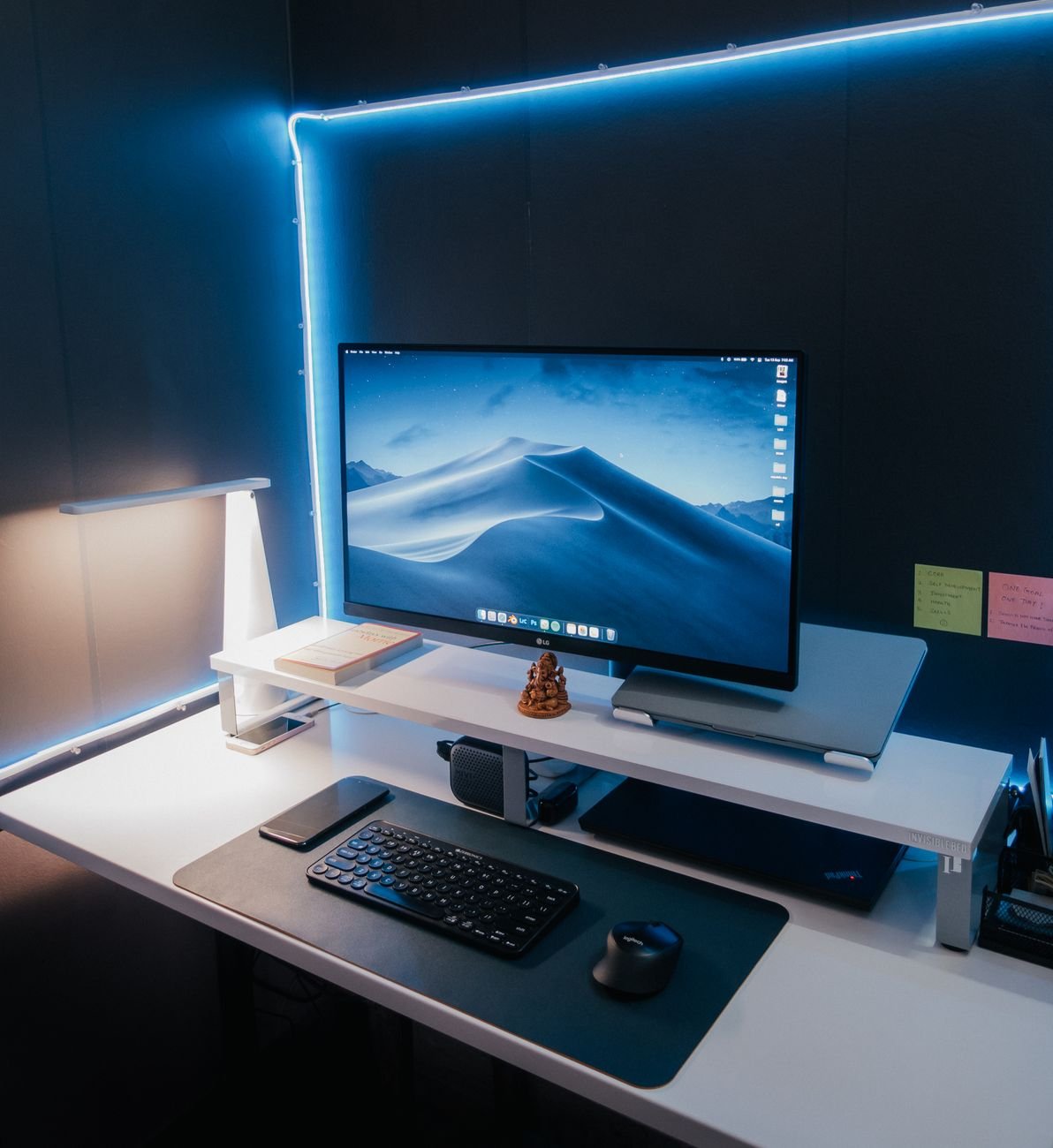
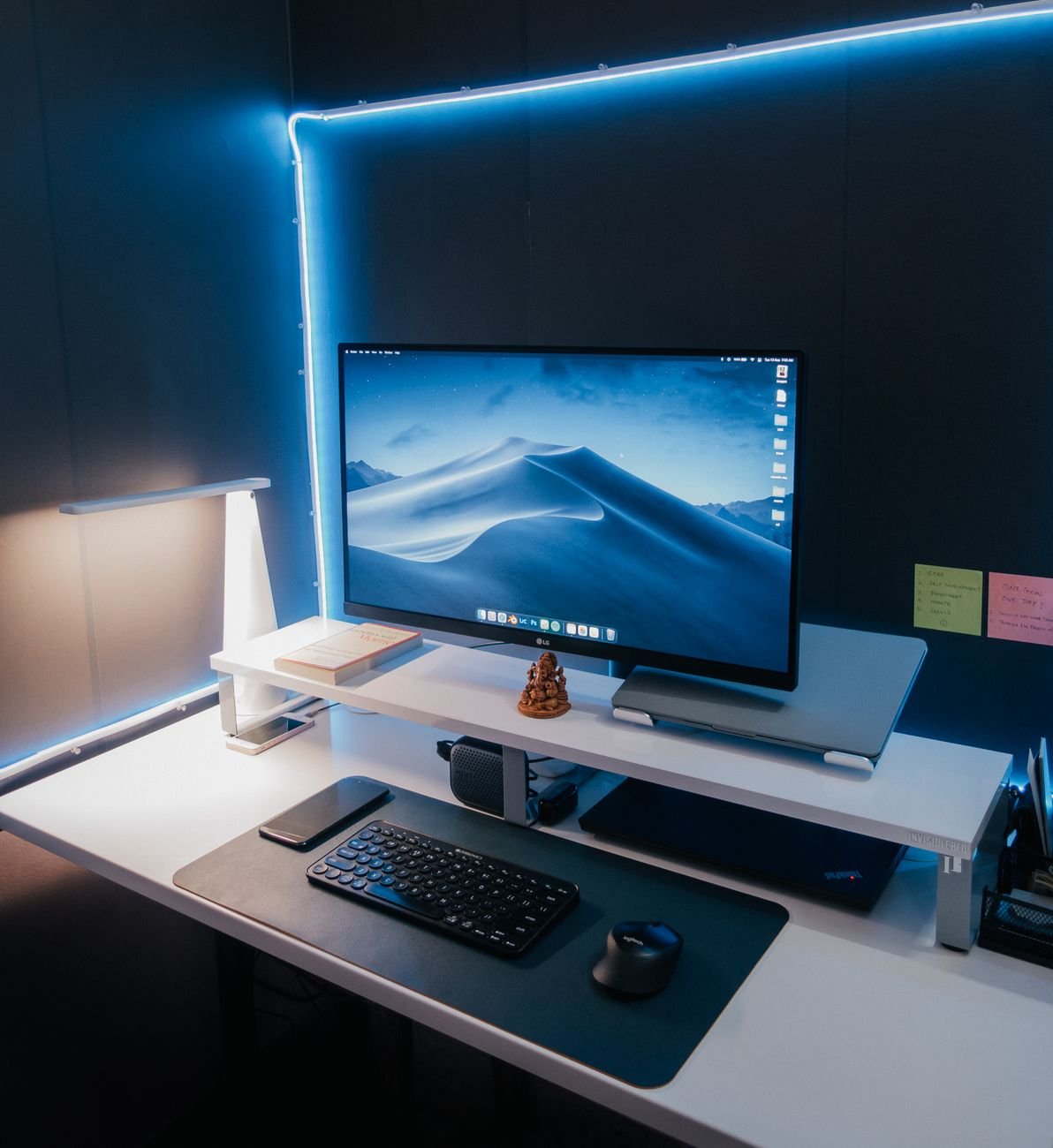
Short answer: if your monitor sits flat on the desk, probably yes. A riser or shelf does two jobs at once. It lifts your screen closer to eye level, and it gives you a spot under the screen for a keyboard, notebooks, or the clutter that was taking over your desk.
The next question is wood or metal. They look different, but they also behave differently when it comes to weight, stability, airflow, and how much desk they use up. Let’s break down where each one wins.
The Core Ergonomics: Why Screen Height Matters
Ergonomics guidance from groups like OSHA and NIOSH points to the same basic setup: the top of your screen should sit at or just below eye level, about an arm’s length away. A monitor that’s too low pulls your chin down and rounds your neck forward, and that adds up over a full workday.
A riser or shelf is the simplest, cheapest way to fix a monitor that’s too low. It’s not as flexible as a monitor arm (our team covered that trade-off in our monitor arm guide), but it needs no clamp, no drilling, and no tools in most cases.
One catch: most risers raise a screen only about 3 to 5 inches. That’s enough for a lot of desks, but if your monitor is already tall or your chair sits low, a riser may not get you all the way to eye level. Make sure to measure first.
What Our Testing Found
Our team compared a wooden shelf and a metal riser using the same monitor, keyboard, and desk. Both raised the screen by a similar amount, so the ergonomic result was close to identical. The real differences showed up elsewhere: how steady the monitor felt when we typed hard, how much the platform looked like part of the desk, and what we could fit underneath.
Wood vs. Metal: Material Breakdown
Wooden Desk Shelves
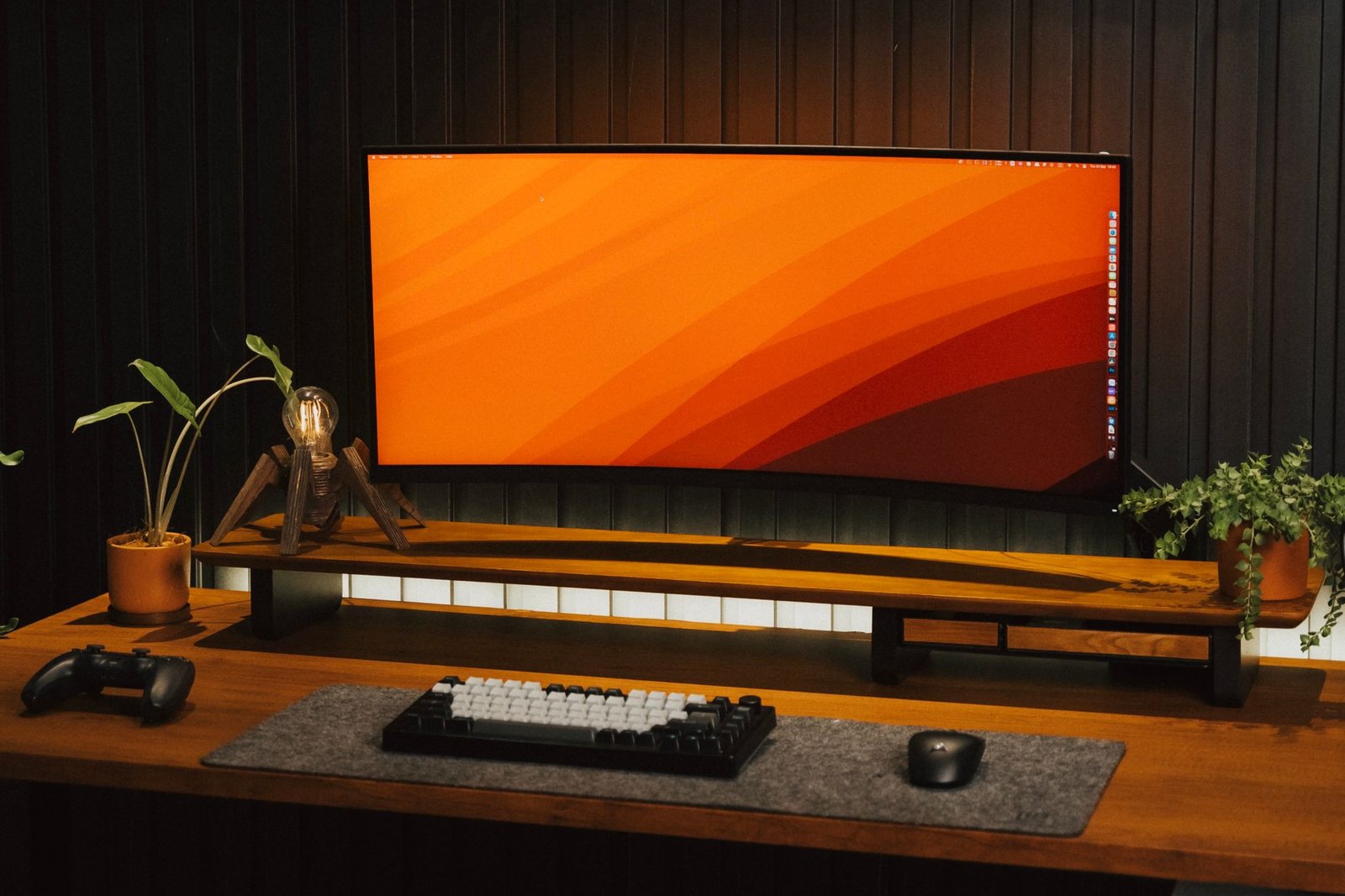
Wood shelves (solid wood, bamboo, or MDF with steel legs) tend to be wider and look more like furniture than an accessory. Many are built to span a full desk width and hold a dual-monitor setup, a lamp, and a few small items on top.
Best for: warm, minimalist, or “wood desk” setups; dual monitors; people who want the shelf to be part of the look.
Trade-offs: usually pricier, wider, and heavier. Cheaper MDF versions can chip or swell if they get wet, and solid wood costs more.
Metal Monitor Risers
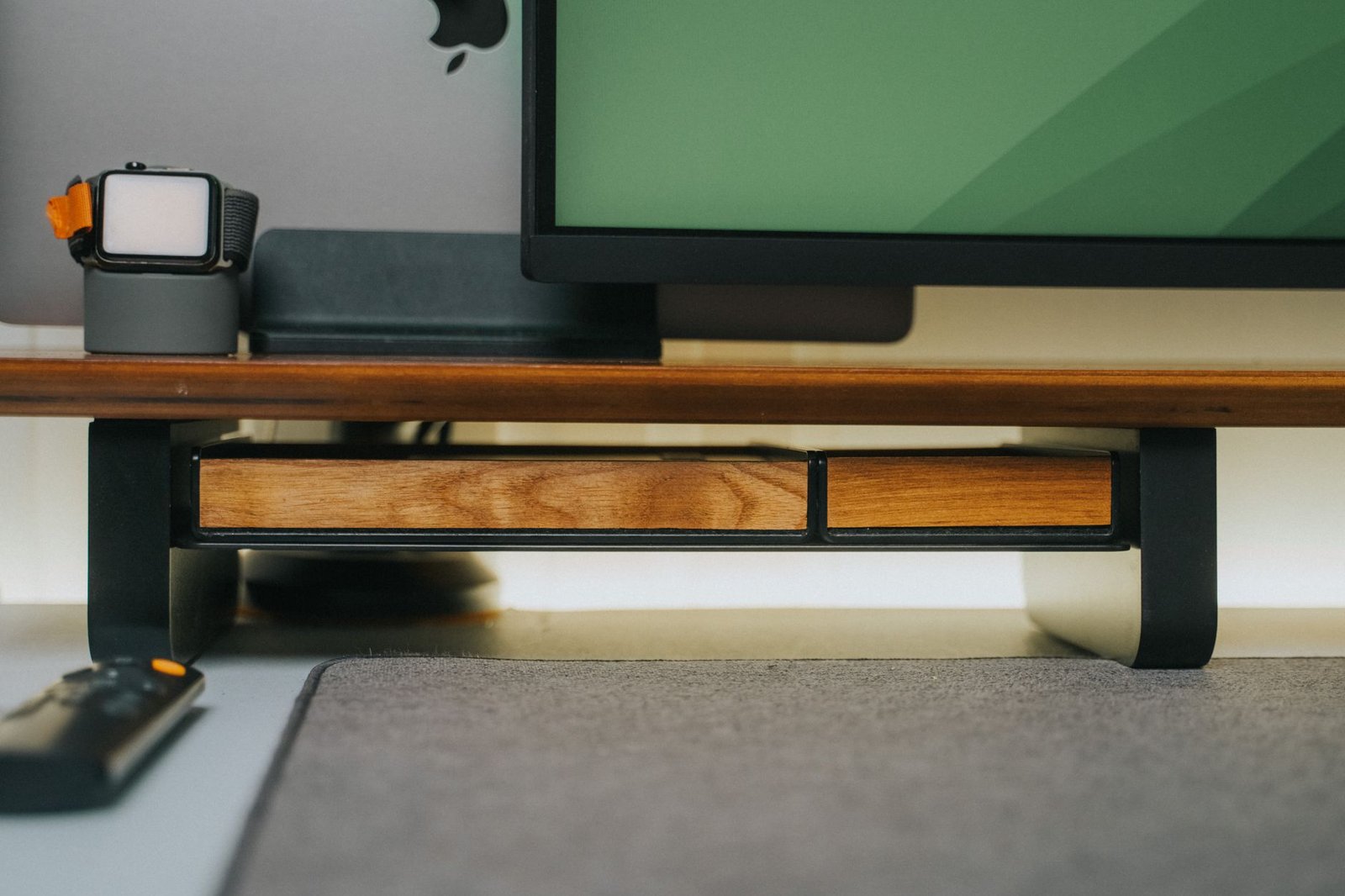
Metal risers (usually powder-coated steel, sometimes with a mesh or vented top) are compact, sturdy, and built for function. Many have ventilated shelves that let air move under the monitor or laptop, and some add drawers or storage compartments.
Best for: small desks, single monitors, tight budgets, and anyone who wants storage under the screen.
Trade-offs: they look more like office equipment than furniture, and the narrower platforms often can’t span a dual-monitor setup.
Desk Footprint, Storage & Airflow: Head-to-Head
Footprint
Wood shelves tend to be wide, often 24 to 45 inches, so they cover more desk but also give you a larger usable surface on top. Metal risers are usually narrower, around 14 to 20 inches, which suits a single monitor or a laptop but leaves little room for anything else on top.
Storage
Both leave space under the platform for a keyboard or notebooks. Metal risers with drawers or mesh organizers add built-in storage for pens, cables, and small items. Wood shelves usually offer open space only, though modular systems let you add shelves and grids.
Airflow
Vented steel risers let air move around a laptop or under a monitor, which some users prefer for hot-running screens. Solid wood platforms don’t offer that airflow, though most modern monitors don’t run hot enough for it to matter.
Weight Capacity & Stability
Weight limits matter more than most people expect. A large 32-inch monitor can weigh 15 to 25 pounds, and a dual-monitor wood shelf needs to hold both screens, speakers, and whatever else you put on top.
- Most single-monitor steel risers are rated around 44 pounds, which covers almost any single screen.
- Wide wooden shelves vary a lot, from around 44 pounds for lighter MDF models to 80 pounds or more for sturdier builds, so check the listed rating for your exact setup.
Our take: check the weight rating and compare it to your monitor’s actual weight (without its stand) plus anything else you plan to put on top. Stay well under the rating, not right at it.
Wooden Shelves vs. Metal Risers: Side-by-Side Comparison
| Feature | Wooden Desk Shelf | Metal Monitor Riser |
|---|---|---|
| Look | Furniture-style, warm | Functional, office-style |
| Width | Wide (often 24–45 in.) | Compact (often 14–20 in.) |
| Dual monitor support | Common | Less common (needs a wide model) |
| Weight capacity | Varies (44–80+ lbs depending on build) | Often around 44 lbs |
| Height adjustment | Usually fixed | Some models offer 3 height settings |
| Built-in storage | Open space, modular options | Drawers, mesh trays, organizers |
| Airflow | Limited | Vented models available |
| Price range | $$–$$$ | $–$$ |
| Maintenance | Wipe clean; avoid water (MDF) | Wipe clean; low-maintenance |
| Best for | Dual monitors, style-focused desks | Single monitors, small desks, budgets |
Common Mistakes to Avoid
⚠️ Before You Buy: Check These First
- Ignoring weight capacity: Check your monitor’s weight without its stand, then add anything else you’ll put on the shelf. Stay comfortably under the rated limit.
- Measuring desk width but not depth: A shelf that’s too deep for a shallow desk pushes your monitor too close, which defeats the ergonomic goal. Measure depth as well as width.
- Assuming one height fits everyone: Fixed-height risers raise a screen by a set amount (often 3 to 5 inches). If you need more or less, look for a stackable or adjustable model.
- Choosing MDF for a damp or messy desk: MDF can swell or chip if liquid sits on it. If drinks live on your desk, go solid wood, bamboo, or metal.
- Skipping stability checks: A wobbly shelf is more annoying than no shelf. Look for sturdy legs and non-slip feet, and press down on the edges once it’s assembled.
- Expecting a riser to replace an arm: Risers raise your screen. They don’t adjust depth, tilt, or swivel the way a monitor arm does.
Recommended Product Picks
Wooden Desk Shelves
Premium Pick: Solid Wood Desk Shelf A modular, solid wood shelf built to be part of the furniture. The large version spans a wide desk and works for a curated dual-display setup, with a grid system for organizing smaller items on top.
Check Current Price on Amazon →
Budget Pick: VIVO Wood & Steel Monitor Stand A clean, simple platform that combines a wood-look top with steel legs. It’s a good starting point if you want the look of a wooden shelf without paying for a solid wood model.
Check Current Price on Amazon →
Metal Monitor Risers
Premium Pick: HUANUO Mesh Metal Riser A steel mesh riser that turns the space under your screen into storage. If your main problem is desk clutter, this setup allows for extra storage under the riser.
Check Current Price on Amazon →
Budget Pick: HUANUO 3-Height Vented Steel Riser A powder-coated steel riser with three height settings, a vented shelf for airflow, and a listed capacity of 44 pounds. It’s one of the lowest-cost ways to lift a single monitor or laptop.
Check Current Price on Amazon →
Our Verdict
Wood and metal both raise your screen, so the ergonomic result is similar. The difference is everything around it. Wood is the better pick if you want a wide, furniture-style shelf that handles dual monitors and fits a wood or minimalist desk. Metal is the better pick if you want a compact, stable, budget-friendly riser with options for adjustable height and built-in storage.
If you’re on a small desk with a single monitor, start with metal. If you’re building out a larger setup and want it to look intentional, go wood. And if neither gets your screen to the right height, a monitor arm is worth a look.
Check Out Our Guides Here:
3 Keyboard Wrist Rests: Wood vs. Memory Foam vs. Cooling Gel (Is a Wrist Rest Worth It?)
65% vs. TKL (Tenkeyless) Keyboards: Which Layout Is Right for Your Desk?
Under-Desk Cable Management: Trays vs. Cable Raceways
Slatewave tests desk gear the way we’d actually use it, on real desks, over real workdays. Have questions about picking a riser or shelf for your setup? Drop them in the comments.