Affiliate Disclosure: Slatewave is reader-supported. Some links in this article are affiliate links, which means we may earn a small commission if you buy something through them — at no extra cost to you.
Quick Links: Our Top Picks
Short on time? Here’s the cheat sheet. We break down the “why” further down the page.
| Category | Our Pick | Best For |
|---|---|---|
| 🏆 Premium Leather | Leather Desk Pad | A patina-ready, buy-it-for-life surface |
| 💰 Budget Leather | Satechi Eco-Leather Desk Mat | The leather look without the leather price |
| 🏆 Premium Felt | Graf Lantz Mosen Merino Wool Desk Pad | Warmth, texture, and genuine wool quality |
| 💰 Budget Rubber | Extended Gaming Mouse Pad (rubber-backed cloth) | Cheapest way to protect a desk and track a mouse |
Do You Actually Need a Desk Mat?
Short answer: if you type, mouse, or set a coffee cup down on your desk daily, yes — a desk mat earns its spot. It’s one of the cheapest desk upgrades that changes how your whole setup feels under your hands, and it does real, practical work: protecting the desk surface, giving your mouse a consistent tracking surface, and quieting the clack of a mechanical keyboard.
The catch is that “desk mat” isn’t one product — felt, leather, and rubber all behave completely differently. Picking the wrong one for how you actually work (heavy mouse use vs. handwriting vs. hot mugs vs. RGB gaming setups) is the most common regret we hear about.
The Core Differences: Material, Feel, and Function
Leather (and Vegan/PU Leather)
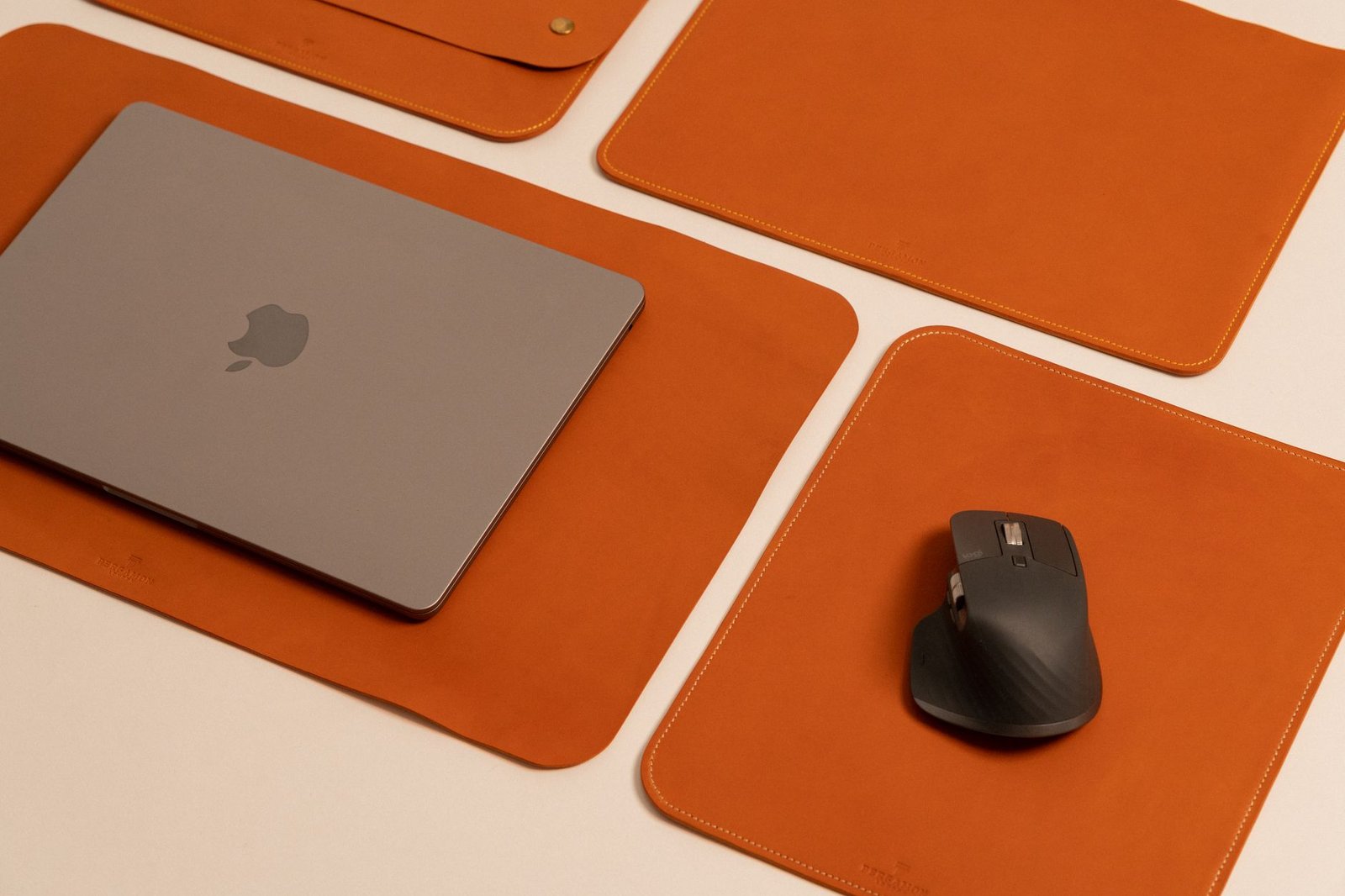
Leather desk pads are the classic “executive desk” look, but they’ve become a staple in modern desk setups too. Full-grain and vegetable-tanned leather ages into a patina over years of use — scuffs and color changes become part of the character rather than damage. Vegan leather (PU) mimics the same smooth, low-profile feel without the animal-hide sourcing or the price tag, though it won’t patina the same way and can eventually crack or peel with heavy use.
Best for: writing directly on the surface, a polished/professional desk look, mouse tracking (smooth-surface optical and laser mice both do well on it).
Felt (Wool)
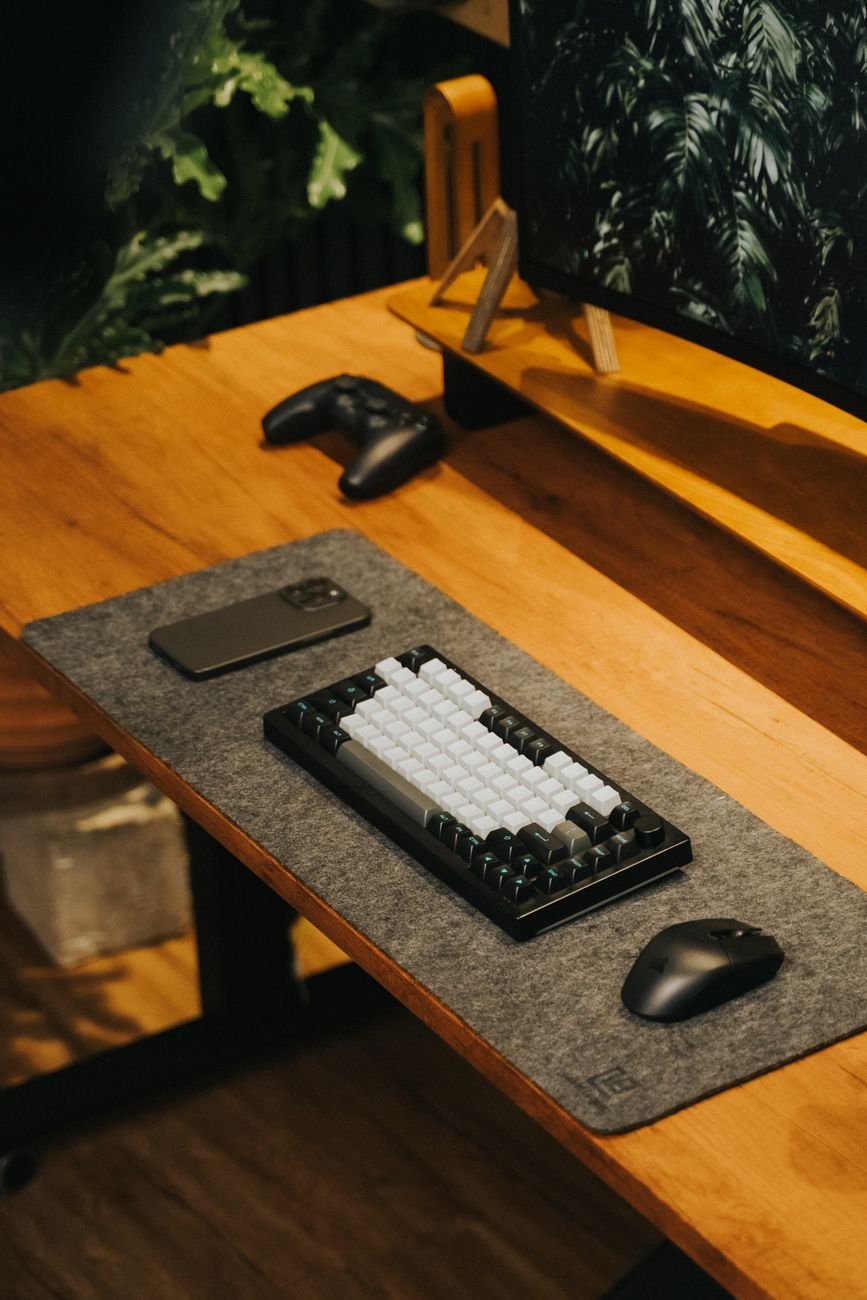
Felt desk pads bring texture and warmth to a desk that’s otherwise all hard surfaces — glass, laminate, aluminum. Quality felt pads use real wool, which resists fraying at the edges and holds its shape better than cheap synthetic felt. It’s the softest material underhand of the three, and it does a good job muffling keyboard noise.
Best for: cushioned wrist comfort, quieting a loud mechanical keyboard, adding visual texture to a minimal setup. It’s not ideal as a writing surface (pen doesn’t glide well on wool), and it’s only an adequate mousing surface — fine for casual use, less precise than leather or a dedicated mouse pad.
Rubber (Cloth-Top / Rubber-Backed)
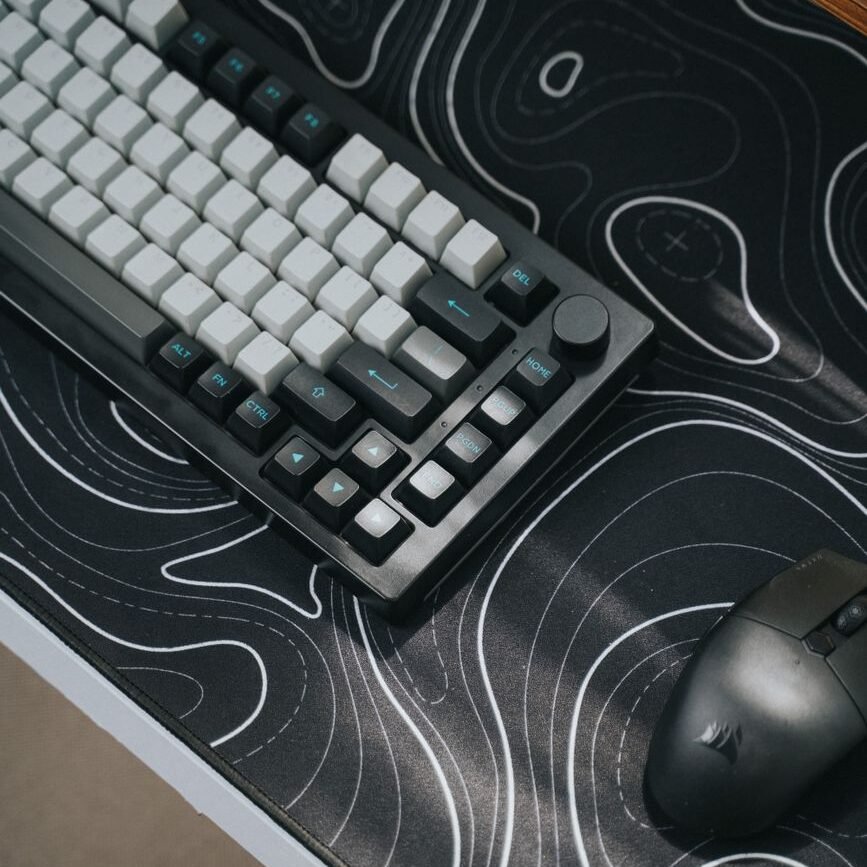
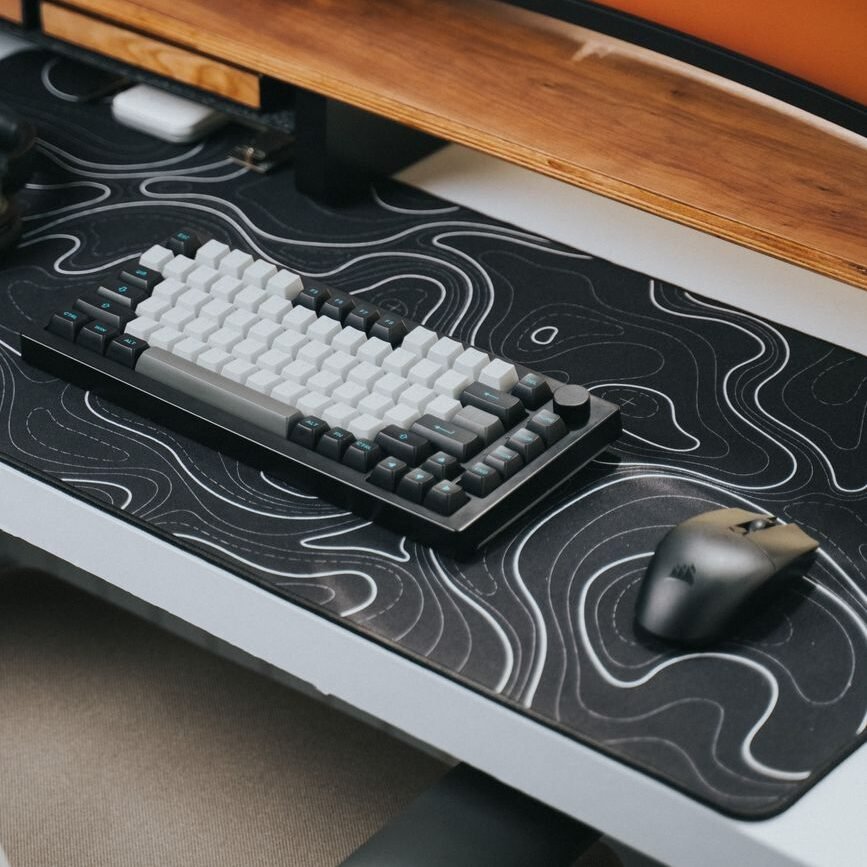
This is the category most gamers already know as an “extended mouse pad” — a cloth top bonded to a rubber base. It’s built first for mouse tracking precision and second for desk protection. Rubber-backed mats grip the desk and won’t slide during fast mouse movements, which matters a lot for gaming.
Best for: gaming and high-precision mouse use, budget setups, anyone who wants the mat to stay perfectly still under fast movement. It’s the least “premium-looking” of the three materials and typically the least durable long-term — cloth tops wear and fray faster than leather or quality felt.
What Our Testing Found
Our team ran the same desk setup through a week each on leather, felt, and a rubber-backed cloth mat, using the same mouse and keyboard throughout. The mouse-tracking difference between leather and rubber was noticeable almost immediately during fast movements — the rubber-backed mat stayed put, while the leather pad shifted slightly on a smooth desk surface until we added a rug-grip pad underneath. Felt was the most comfortable under the wrists by a clear margin, but the least practical the moment we tried to write a note directly on it.
Sizing & Desk Footprint
Desk mats generally come in three rough size tiers, and picking the right one changes the whole feel of a setup:
- Small/Mouse-pad-only (roughly 12″ x 24″ or smaller): Covers just the mouse and part of the keyboard area. Good for compact desks or people who want to keep most of the desk surface visible.
- Medium/Keyboard + Mouse (roughly 31″ x 12″–16″): The most popular size — covers a standard keyboard and gives the mouse full range of motion beside it.
- Large/Full Desk (36″ and up, sometimes 48″+): Covers most or all of the desk surface. Best for dual-monitor or multi-device setups where you want one continuous surface under everything.
Cleaning & Care: Head-to-Head
Leather / PU Leather
Wipes clean with a damp cloth in seconds — this is the easiest of the three to maintain day-to-day. Genuine leather benefits from an occasional leather conditioner to prevent drying and cracking; PU leather needs no conditioning but will eventually show wear at high-friction spots (like under a mouse) faster than real leather.
Felt
Harder to spot-clean. Spills soak in rather than wiping off, and crumbs/dust tend to work into the fibers over time. A fabric brush or light vacuum attachment keeps it fresh, but felt is genuinely not the best choice for a desk where you eat lunch.
Rubber-Backed Cloth
Most of these are literally designed to be rinsed — the cloth top and rubber base both tolerate water well, which is part of why gaming mouse pads use this construction. Spills wipe up fast, and a full rinse-and-air-dry restores most pads to like-new condition.
Common Mistakes to Avoid
⚠️ Before You Buy: Check These First
- Buying felt for a food-and-coffee-heavy desk: Felt looks great but soaks up spills instead of shedding them. If your desk regularly sees drinks or snacks, lean leather or rubber.
- Ignoring mat thickness with a mechanical keyboard: A thick felt or leather pad can slightly change your typing angle if your keyboard doesn’t have adjustable feet — check thickness (usually listed in mm) before buying if you’re picky about wrist angle.
- Assuming all “leather” mats patina the same way: Only genuine vegetable-tanned leather ages into a true patina. PU/vegan leather will show wear, but it won’t develop the same rich color change — don’t expect PU to look “broken in” the way real leather does.
- Skipping a non-slip check on hard desks: Smooth desk surfaces (glass, laminate) can let a leather or felt mat slide during aggressive mouse use. Rubber-backed mats are built to resist this; leather and felt pads may need a thin grip liner underneath.
- Oversizing for a small desk: A 48-inch mat looks great in photos but can crowd a smaller desk and leave no bare surface for anything else. Measure your actual usable desk space before sizing up.
Side-by-Side Comparison
| Feature | Felt (Wool) | Leather / PU Leather | Rubber-Backed Cloth |
|---|---|---|---|
| Feel underhand | Softest, most cushioned | Smooth, firm | Firm, slightly textured |
| Mouse tracking | Adequate | Very good | Best (built for it) |
| Writing surface | Poor | Good | Fair |
| Grip on hard desks | Fair | Fair (can slide) | Excellent |
| Cleaning | Hardest (absorbs spills) | Easiest (wipes clean) | Easy (fully washable) |
| Durability | Good if real wool | Very good (leather); moderate (PU) | Moderate (cloth top wears) |
| Noise dampening | Best | Good | Fair |
| Typical cost | $$–$$$ | $–$$$$ | $–$$ |
| Best desk style | Minimal, natural-material setups | Executive, modern, or clean setups | Gaming and budget setups |
Recommended Product Picks
Leather
🏆 Premium Pick: Leather Desk Pad Hand-finished, vegetable-tanned American leather with a cork backing. It’s built to age — scuffs and color shifts turn into character over years of use rather than looking worn out. Comes in multiple sizes, which matters if your desk doesn’t fit a standard mat dimension.
Check Current Price on Amazon →
💰 Budget Pick: Satechi Eco-Leather Desk Mat A convincing PU leather alternative that gives most of the look and wipe-clean convenience of real leather at a much lower price point. Won’t patina, but it also won’t fade with regular use.
Check Current Price on Amazon →
Felt
🏆 Premium Pick: Graf Lantz Mosen Merino Wool Desk Pad Made entirely from high-quality merino wool felt, with clean-cut edges that resist fraying over time. The softest option on this list, and the one that adds the most visual texture to a minimal setup.
Check Current Price on Amazon →
Rubber
💰 Budget Pick: Extended Gaming Mouse Pad (Rubber-Backed Cloth) The category most gamers already reach for — a cloth top bonded to a non-slip rubber base, built specifically for fast, precise mouse tracking. Fully washable and the cheapest way to protect a desk surface while upgrading mouse feel at the same time.
Check Current Price on Amazon →
Our Verdict
There’s no single “best” desk mat material — it depends on how you actually use your desk. If you want something that looks better with age and wipes clean in seconds, leather wins. If your priority is comfort and quieting a loud keyboard, felt is worth the extra care it needs. And if precision mouse tracking and easy cleaning matter more than looks, a rubber-backed cloth mat is the practical, budget-friendly choice.
Whichever material you land on, a desk mat is a small purchase that changes how your whole desk feels to use every day — it’s one of the easiest upgrades to justify.
Looking for more setup guides? Check out our article comparing a vertical ergonomic mouse vs. standard mouse!
Slatewave tests desk gear the way we’d actually use it — on real desks, over real workdays. Have questions about picking a mat for your specific setup? Drop them in the comments.